

Friday, 25 September 2026, 7:50 AM
Created by: Mia Pardo
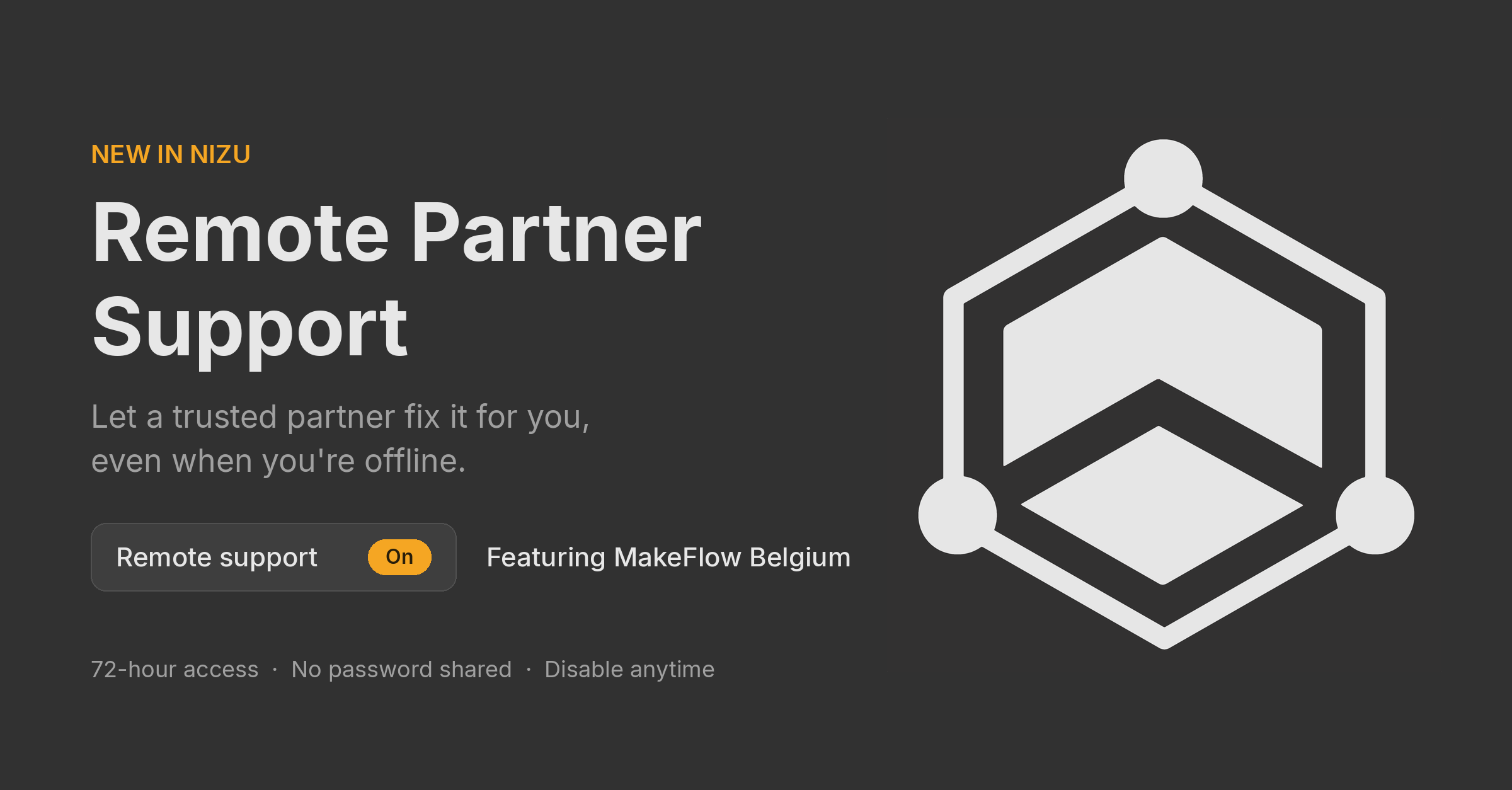
Remote Partner Support lets you give a trusted NIZU partner temporary access to your account, so they can fix an issue without you being online. You describe the problem, send a support link, and the partner signs in as you to look into it.
It is meant for everyday issues: a setting that doesn't behave, a document that won't generate, a configuration you need help with. No call or screen-sharing session needs to be planned; the partner works on it when they can.
A support link gives the partner full access to your account for 72 hours. Read this before you send one.
The partner receives your request and can open the link from then on.
An amber On badge appears next to Remote support in the user menu, so you always know access is open.
Click Remote support again to see the status of your request:
Field | What it tells you |
|---|---|
Request date | When you sent the support link |
End date | When access expires (72 hours after the request) |
Opened by agent | Whether the partner has used the link yet |
Your message | The problem description you sent |
If the partner hasn't opened the link yet, they haven't started working on your account.
You can close access at any time, before the 72 hours are up.
The link stops working immediately and the On badge disappears. Disable the link as soon as your issue is solved; there is no reason to leave access open longer than needed.
MakeFlow Belgium is the first NIZU partner available through Remote Partner Support. It appears as Makeflow in the partner list.
When you send a support link to Makeflow, their team receives your problem description and can sign in to your account to investigate and resolve it. More partners may be added to the list over time.