

Saturday, 2 May 2026, 1:53 PM
Created by: Konstantin Stojanovski
NIZU gives administrators full control over how clients register and access the platform.
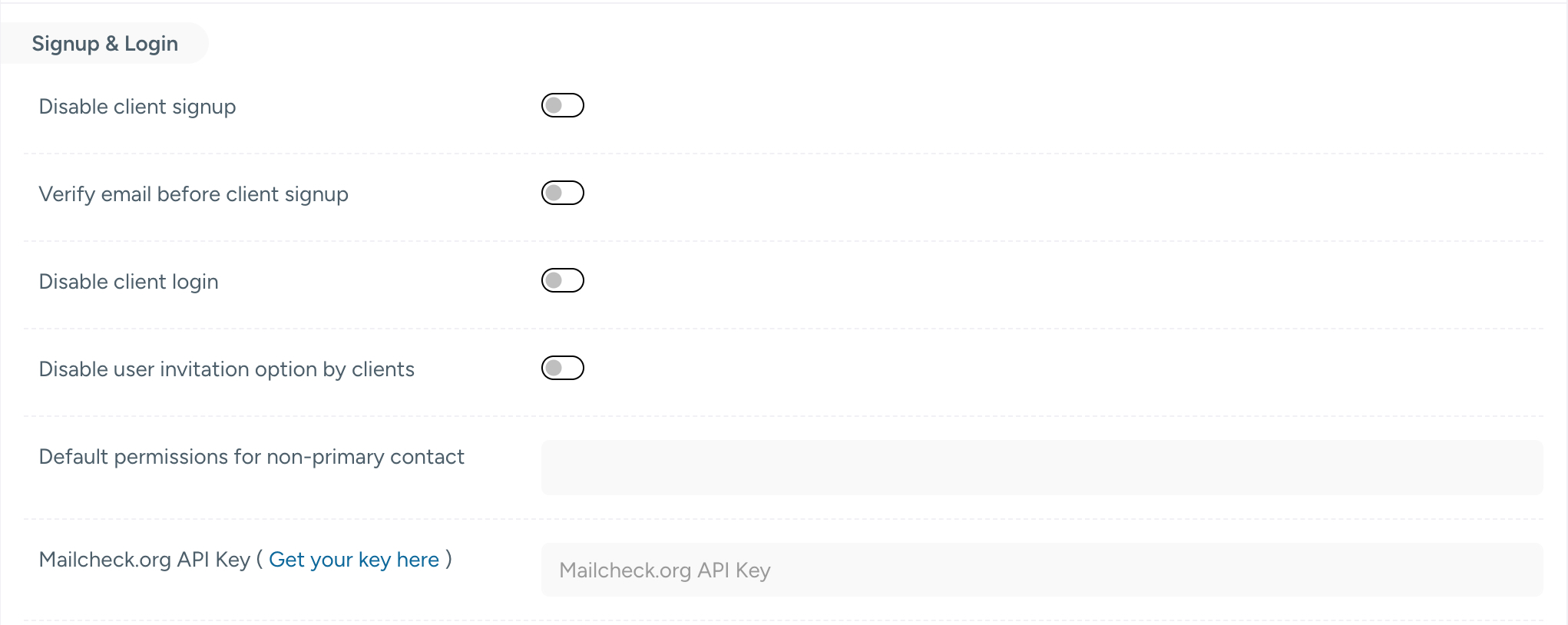
These settings can be found under Settings → ClientPortal → Client permissions → Signup & Login.
| Setting | Description |
|---|---|
| Disable client signup | Prevents new clients from self-registering. Use this when you want to manage client onboarding manually or by invitation only. |
| Verify email before client signup | Requires clients to verify their email address before their account is activated. Recommended to reduce spam and invalid accounts. |
| Disable client login | Blocks all client access to the portal entirely. Useful during maintenance periods or when the client portal is temporarily not in use. |
| Disable user invitation option by clients | Prevents existing clients from inviting additional users to their account. Enable this to maintain strict control over who has portal access. |
Default permissions for non-primary contact
When a client account has multiple contacts, only one is designated as the primary contact. This setting defines the default permission level automatically assigned to any additional (non-primary) contacts added to a client account.
Tip: Define this carefully — it determines what secondary contacts can see and do within the client portal by default, without requiring manual permission assignment each time.
Mailcheck.org API Key
NIZU integrates with check-mail.org to validate email addresses during client signup, helping you prevent registrations from disposable, invalid, or misspelled email addresses.
To enable this:
NIZU allows you to enforce specific fields as mandatory during the client signup process. This is particularly useful for businesses that require complete client data for invoicing, tax compliance, or legal purposes.
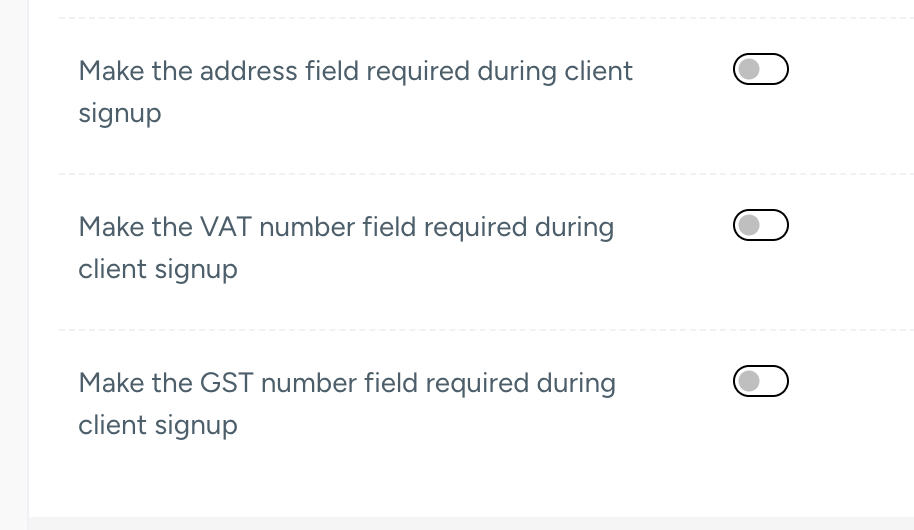
| Setting | Description |
|---|---|
| Make the address field required during client signup | Forces clients to provide a full address before completing registration. Recommended for businesses that ship physical goods or need a billing address for invoicing. |
| Make the VAT number field required during client signup | Enforces VAT number entry at signup. Recommended for B2B operations within the EU or any region where VAT tracking is legally required. |
| Make the GST number field required during client signup | Enforces GST number entry at signup. Recommended for businesses operating in GST-regulated markets such as India, Australia, Canada, or Singapore. |
Note: Enabling VAT or GST number requirements at signup is particularly useful when your client base is primarily composed of businesses rather than individual consumers. It ensures your invoicing data is complete from the very first interaction.
| Use Case | Recommended Settings |
|---|---|
| B2B / Agency | Enable email verification, require VAT number, disable client invitations |
| B2C / eCommerce | Enable email verification, require address, keep signup open |
| Invite-only platform | Disable client signup, disable client login when needed |
| Tax-compliant markets | Require VAT and/or GST based on your operating region |