

Thursday, 30 April 2026, 9:25 PM
Created by: Edwin Pimentel
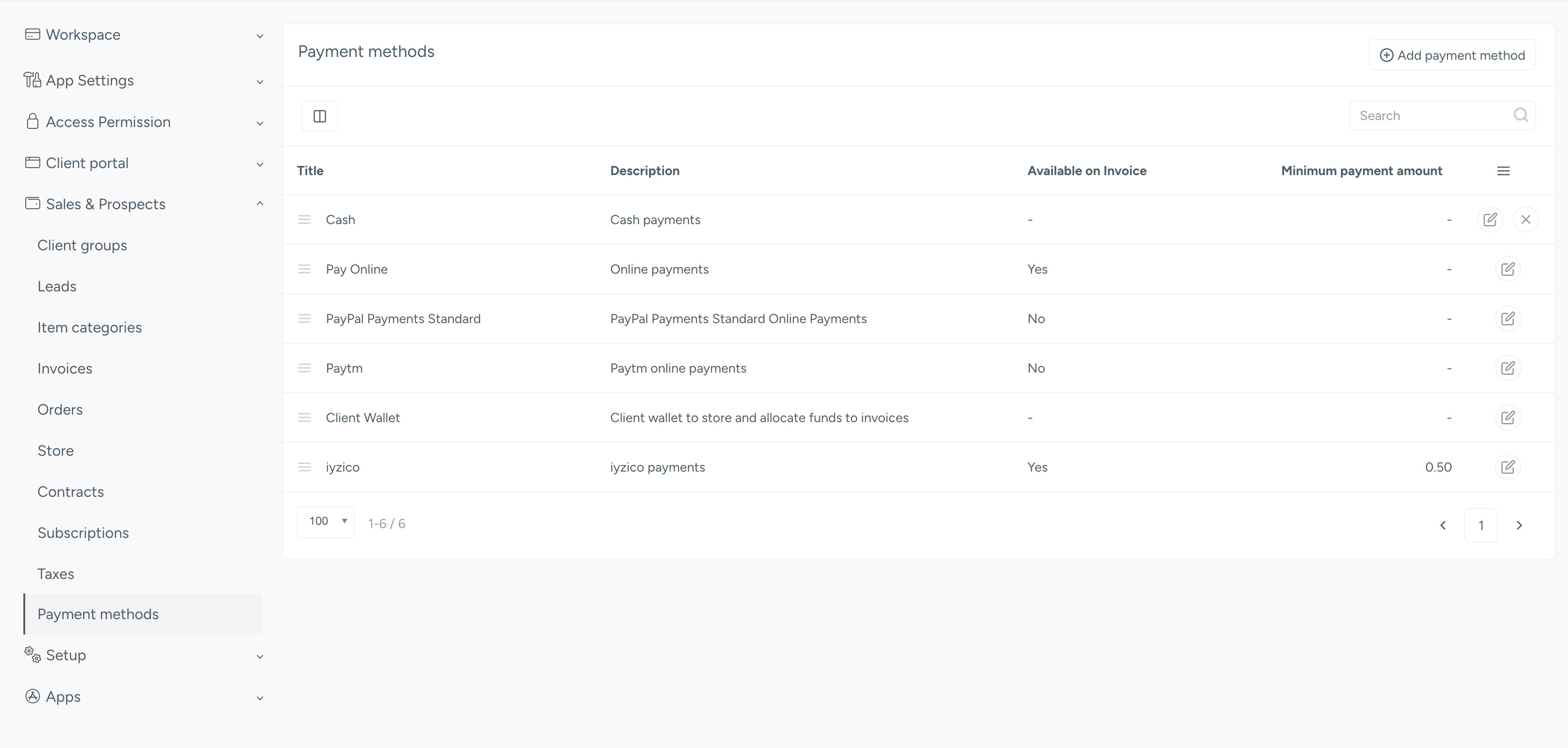
Adding a new payment method via The Apps
Using your Administrator account Follow these steps:
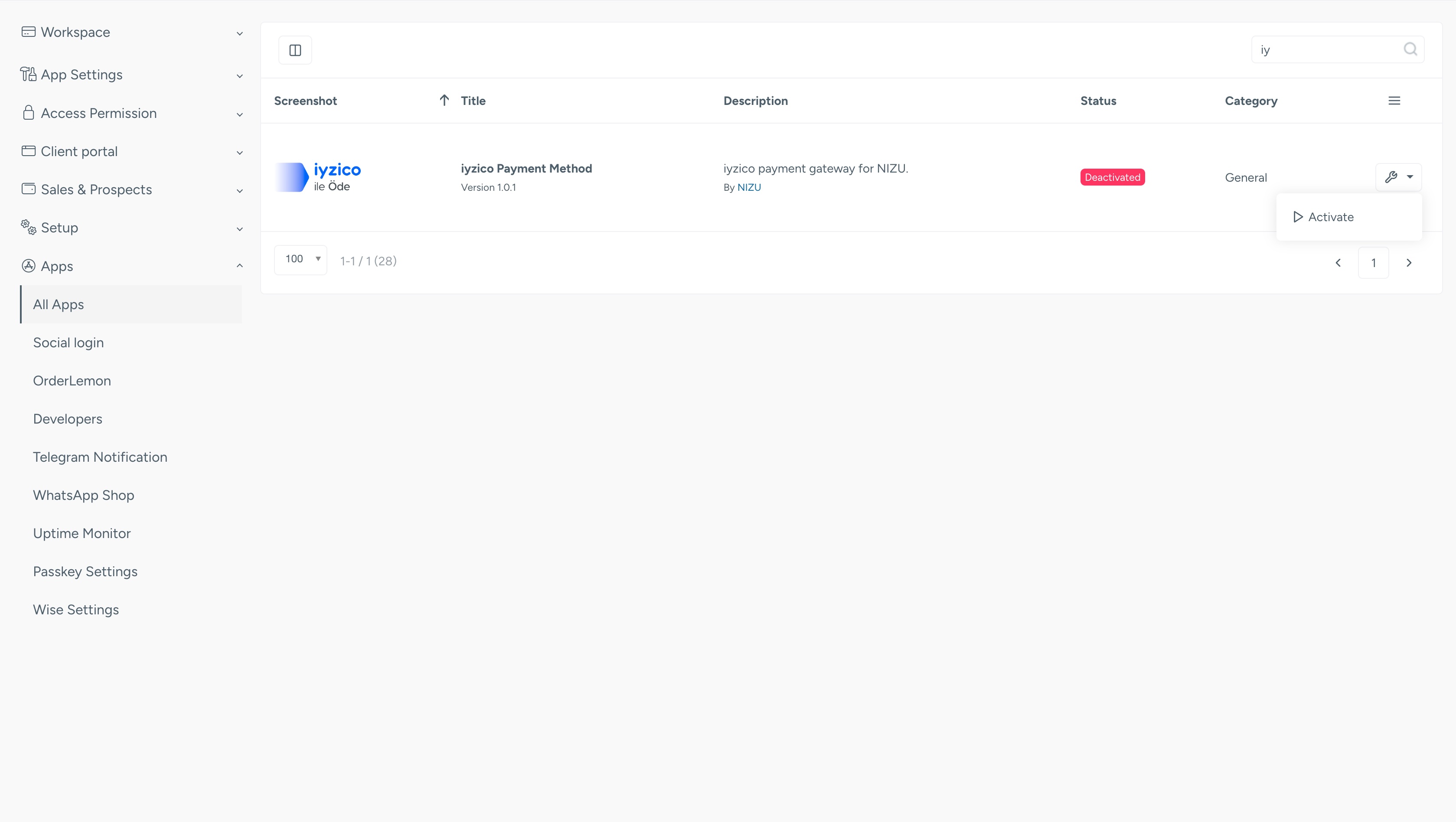
Select the payment method you need:
Click install, then activate as in the picture below
Go back to your payment methods inside Settings->Sales & Prospects
Your payment method will appear there and now you can set it up. Each payment method has a different type of configuration that depends entirely on the payment gateway or payment provider.