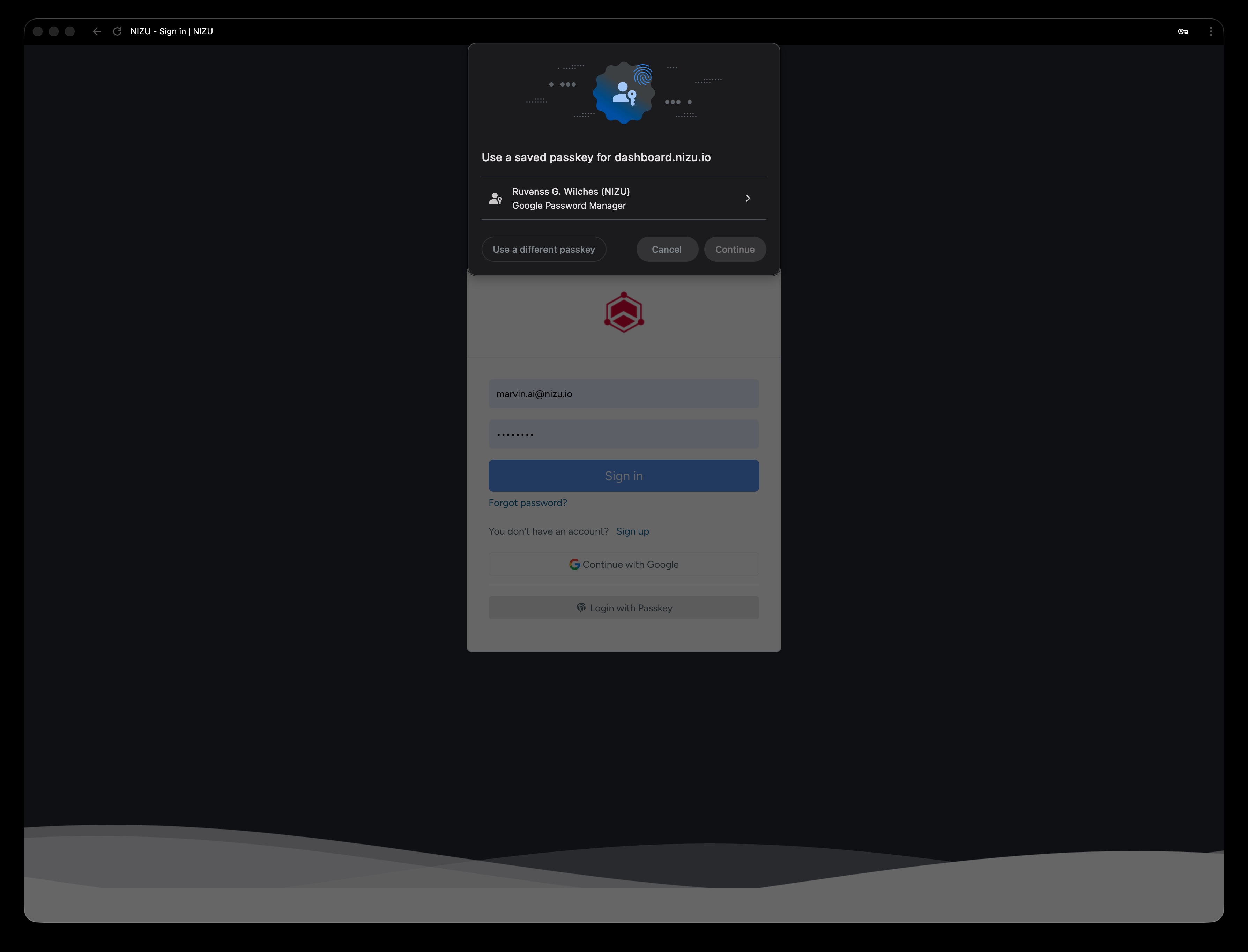
Tuesday, 21 April 2026, 7:36 PM
Created by: Edwin Pimentel
Connect to Your NIZU WorkSpace with Biometrics
Want to log in faster and without passwords? Set up a Passkey using your device's biometrics in just a few steps.
Before you begin, make sure you're on a supported device (Windows Hello, Touch ID, Face ID, or a compatible browser like Chrome, Edge, or Brave).
How to register your Passkey
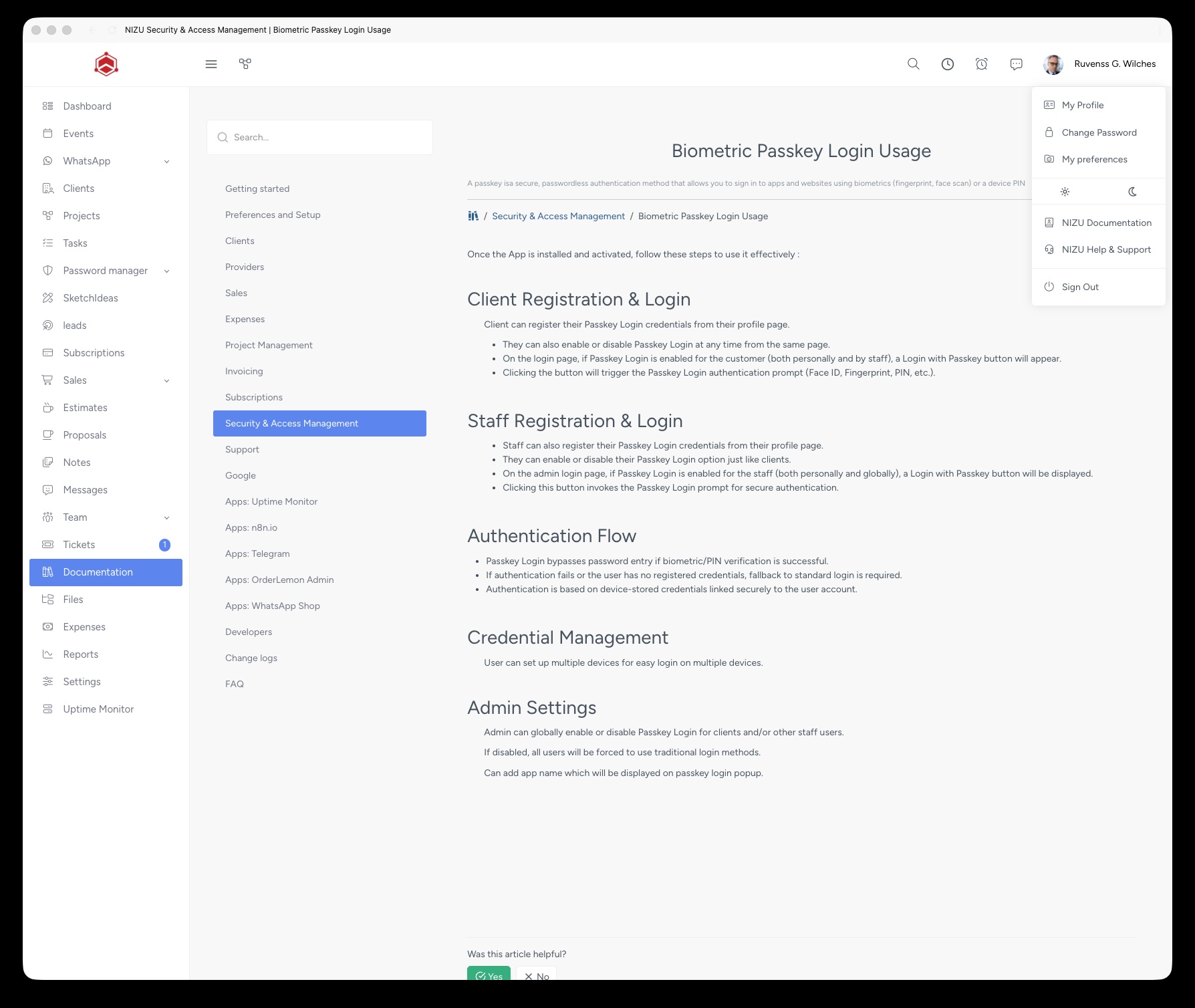
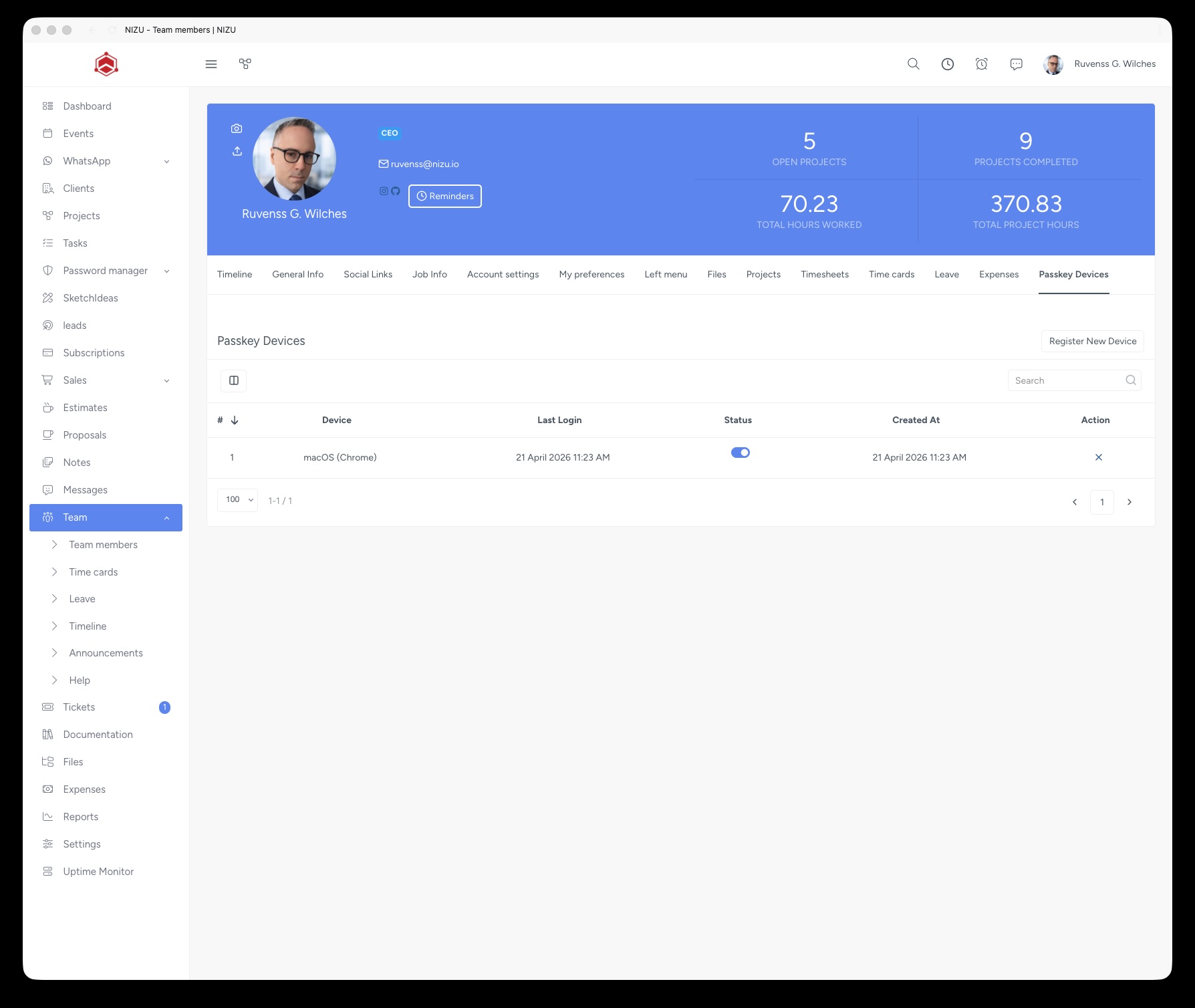
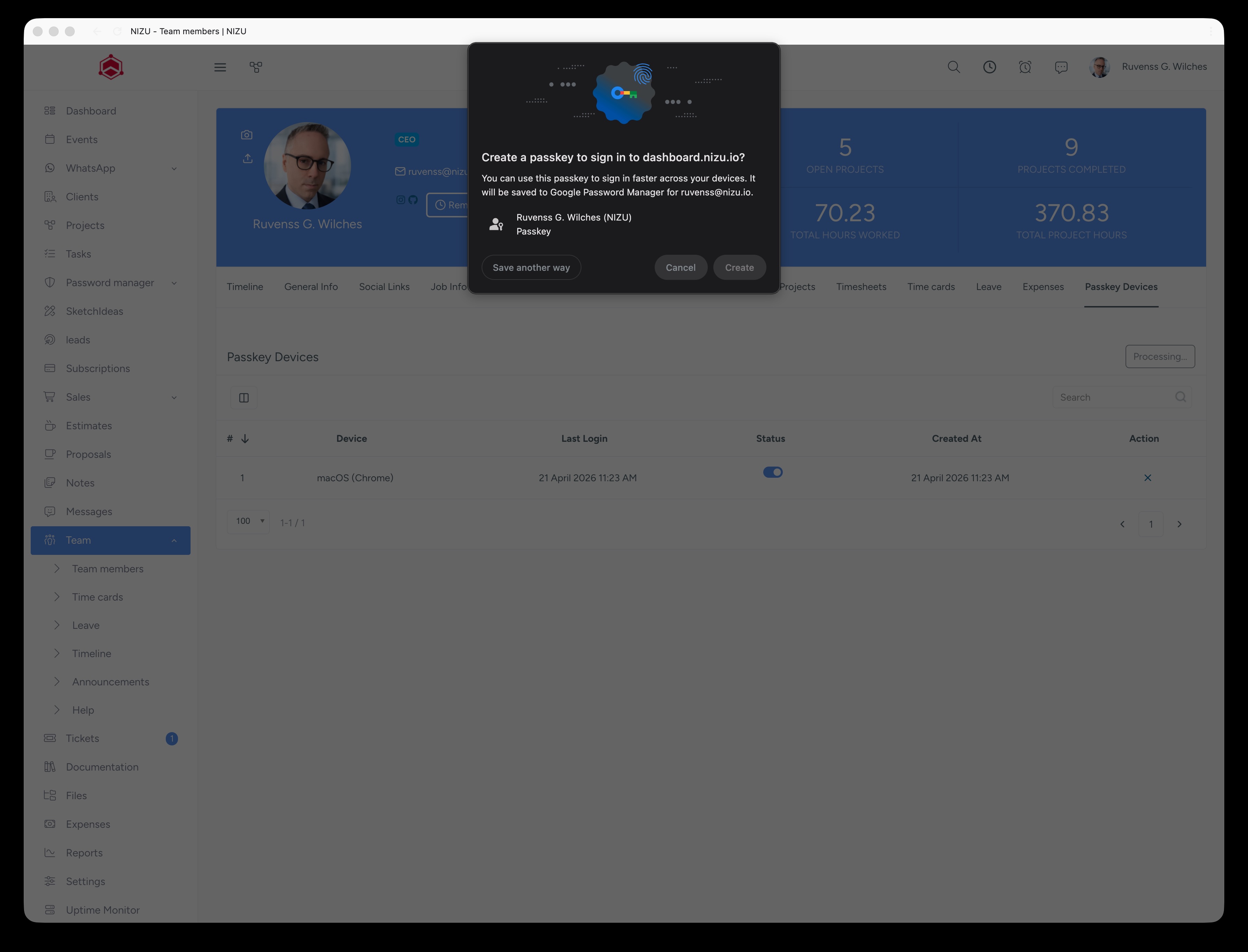
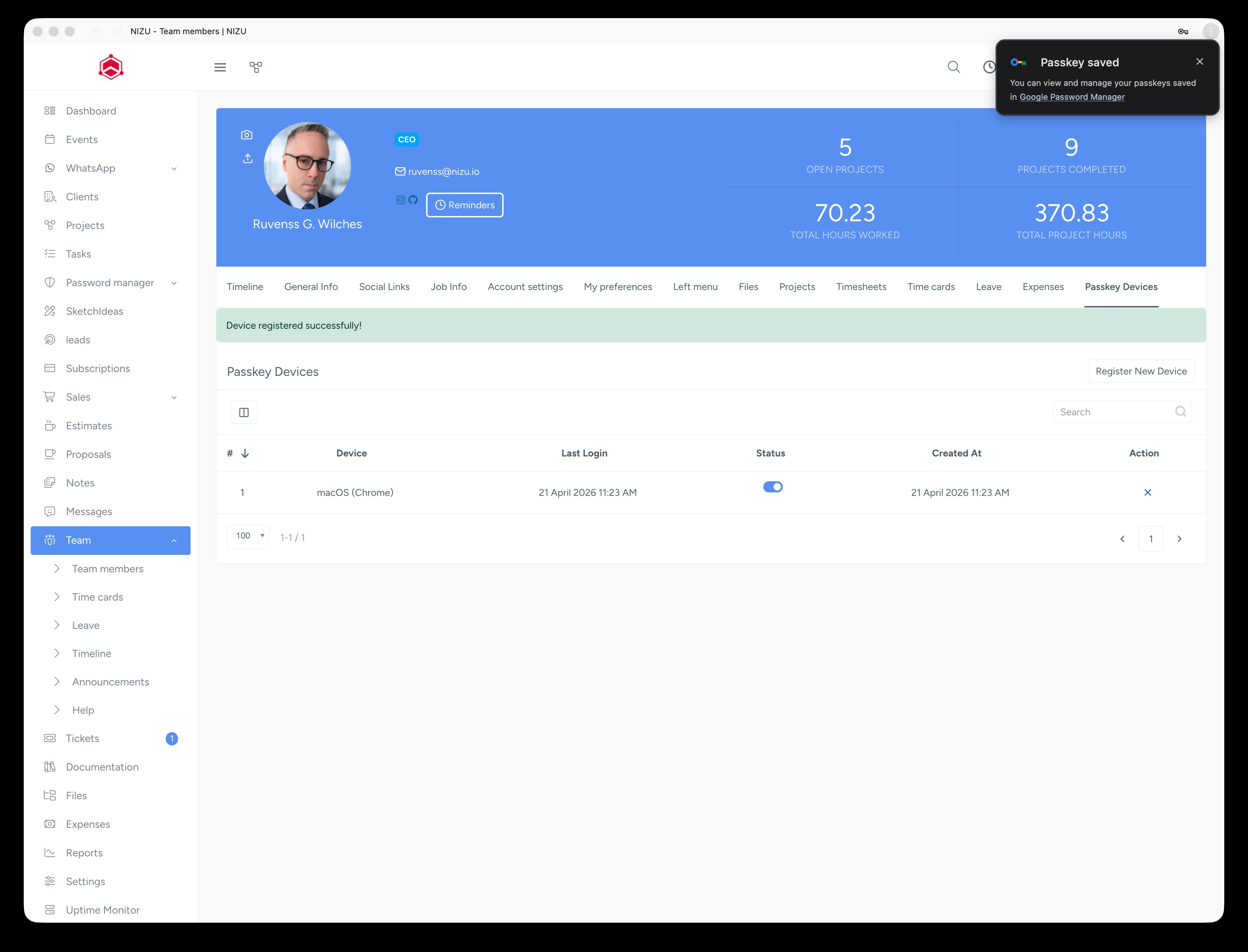
That's it! From now on, you can sign in from the login screen without a password — use your fingerprint, face recognition, or device PIN. No more passwords to remember.