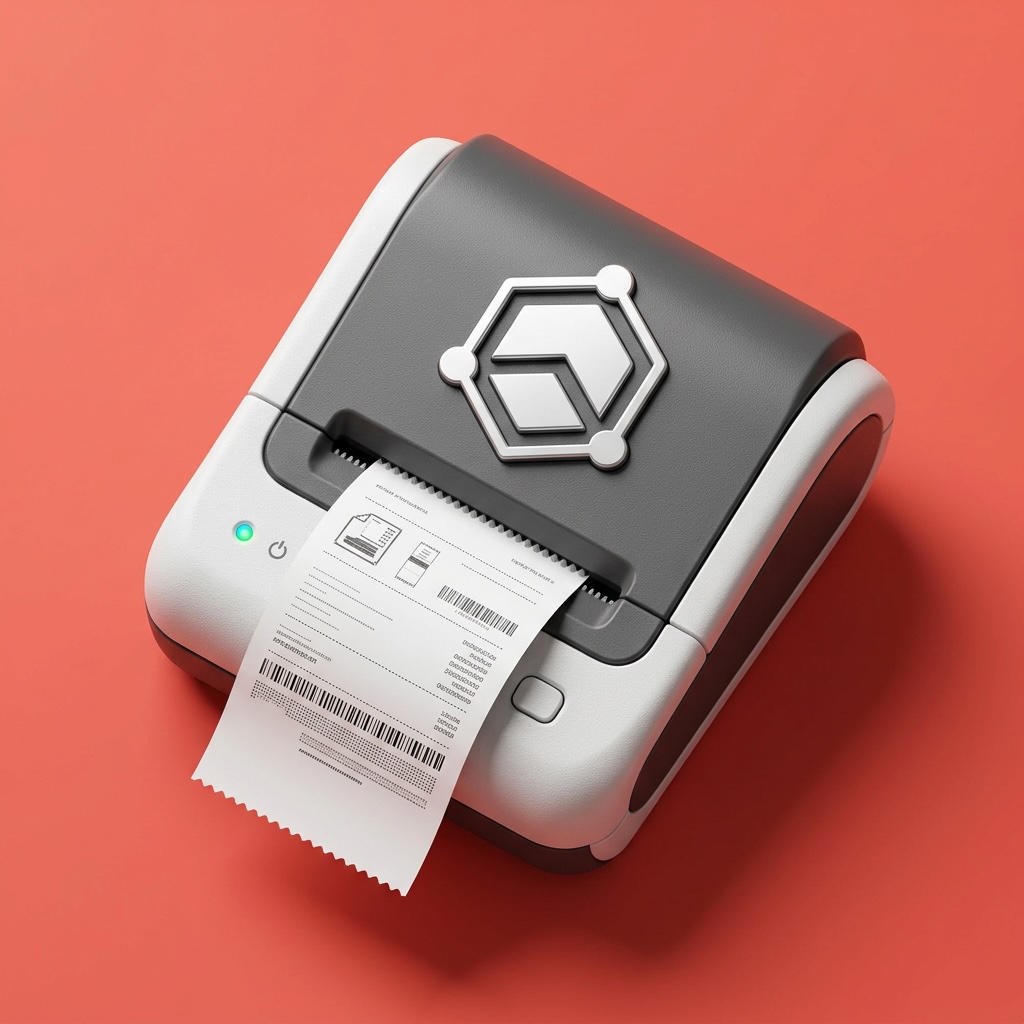
Expedy for NIZU connects your Expedy cloud printers to your WorkSpace. Receipt, ticket and label printers that connect to the internet by themselves show up in the Print button of your invoices and other documents, next to the printers on your own computer. No computer, no driver, no print dialog.
Expedy for NIZU is a NIZU WorkSpace App that lets a company print on Expedy cloud printers straight from NIZU. Expedy (expedy.fr / expedy.io) makes 58 mm...
Install Expedy for NIZU in five steps from Settings, Apps. DirectPrint must be installed and active first.
Connect your Expedy account, choose who can print on each printer, print a test receipt and print invoices and other documents on Expedy cloud printers from NIZU.
The name you give a printer in Expedy is the name people see in the Print button. "Kitchen", "Counter Brussels" or "Dock 3" is clearer than a model number....
Expedy for NIZU adds cloud printers to DirectPrint. Everything DirectPrint does works with Expedy printers too: the Print button, the Printing tab of each...
Expedy for NIZU prints from your NIZU WorkSpace on cloud receipt and label printers that need no computer. Other ways to print from a business system on a...